
Reader profile 01
Solo novelists
Planning, drafting, revision, proofing, and publishing in one workspace. Stop juggling Scrivener, Word, and InDesign.
Open Beta, All Features Free
Mythwrite is a professional writing studio for fiction authors: plan the structure, draft the scenes, revise with proofing, manage your story bible, and export the book from one focused workspace. AI helps when you ask for it, stays out when you do not, and never hides where it touched the prose.
Join now for immediate access. If you want updates first, use the launch updates form below.
Spaces left on open beta
Open beta is live and every feature is unlocked. Claim a place now, start using the app immediately, and keep your launch voucher tied to the annual package you select. We will email the voucher when closed beta ends.
0%
Claimed
Who it fits
If your draft lives in one tool, your notes in another, your export in a third, and your AI experiments in a fourth, Mythwrite is meant to collapse that sprawl into one reliable place to work.
Reader profile 01
Planning, drafting, revision, proofing, and publishing in one workspace. Stop juggling Scrivener, Word, and InDesign.
Reader profile 02
Tracked changes, side-by-side diffs, proofing workflows, and a complete editorial trail from first draft to final polish.
Reader profile 03
Archivum keeps your characters, lore, places, and factions organised and searchable — across books, not just scenes.
Reader profile 04
Use AI to brainstorm, continue, or proofread — or turn it off entirely. Bring your own keys, choose your models, keep full control, and track AI-authored text when you want a cleaner final pass.
The full writing studio
The point is not a bigger checklist. The point is removing the handoffs that usually break momentum as a manuscript moves toward completion.
Capability
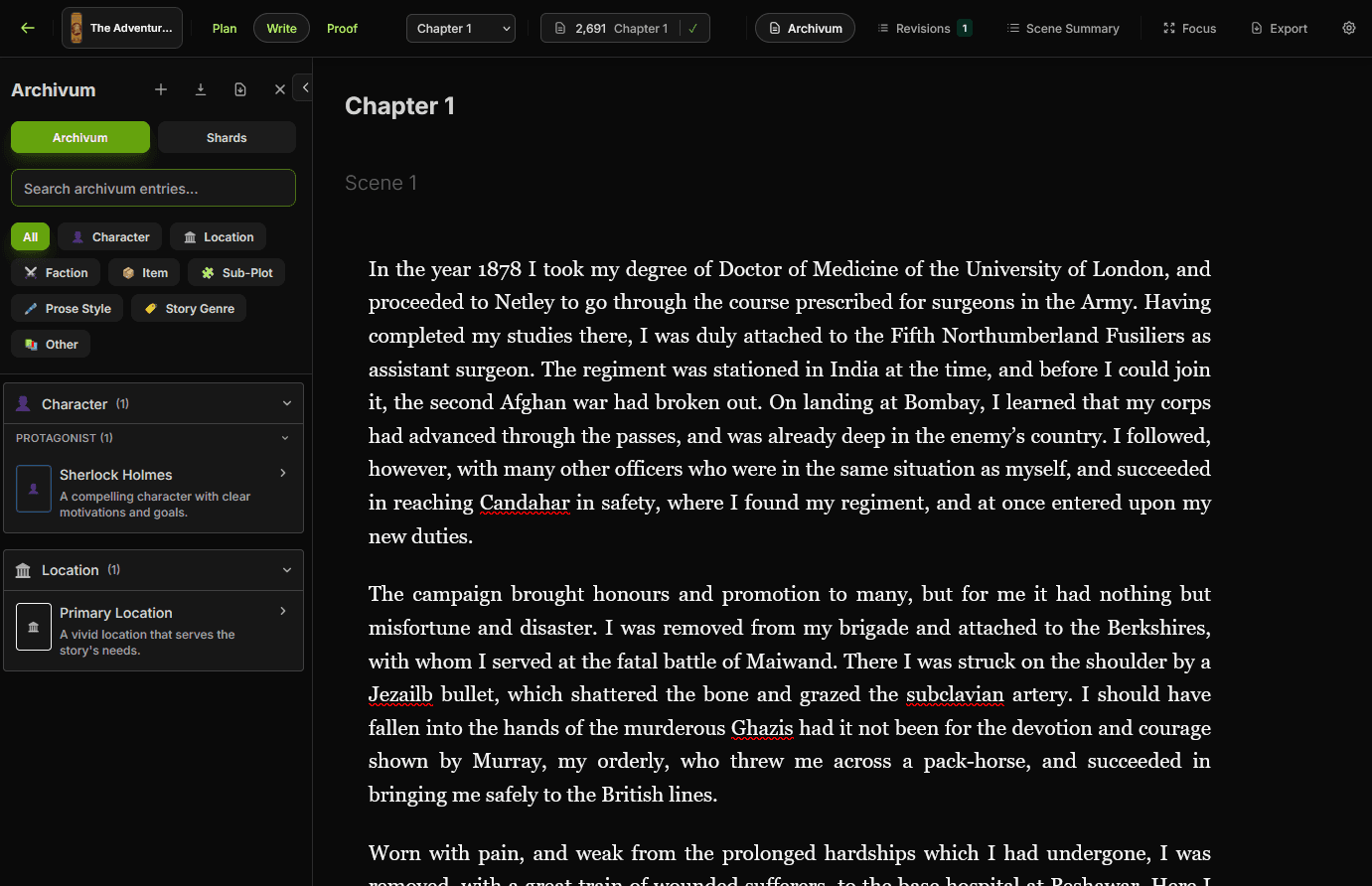
A focused writing surface with scene navigation, chapter structure, and drafting tools that stay comfortable over long sessions.
Capability
Outline scenes, shape chapters, and keep structural decisions beside the manuscript instead of in a separate planning tool.
Capability
Keep characters, places, factions, items, and lore in one searchable reference that supports both writing and revision.
Capability
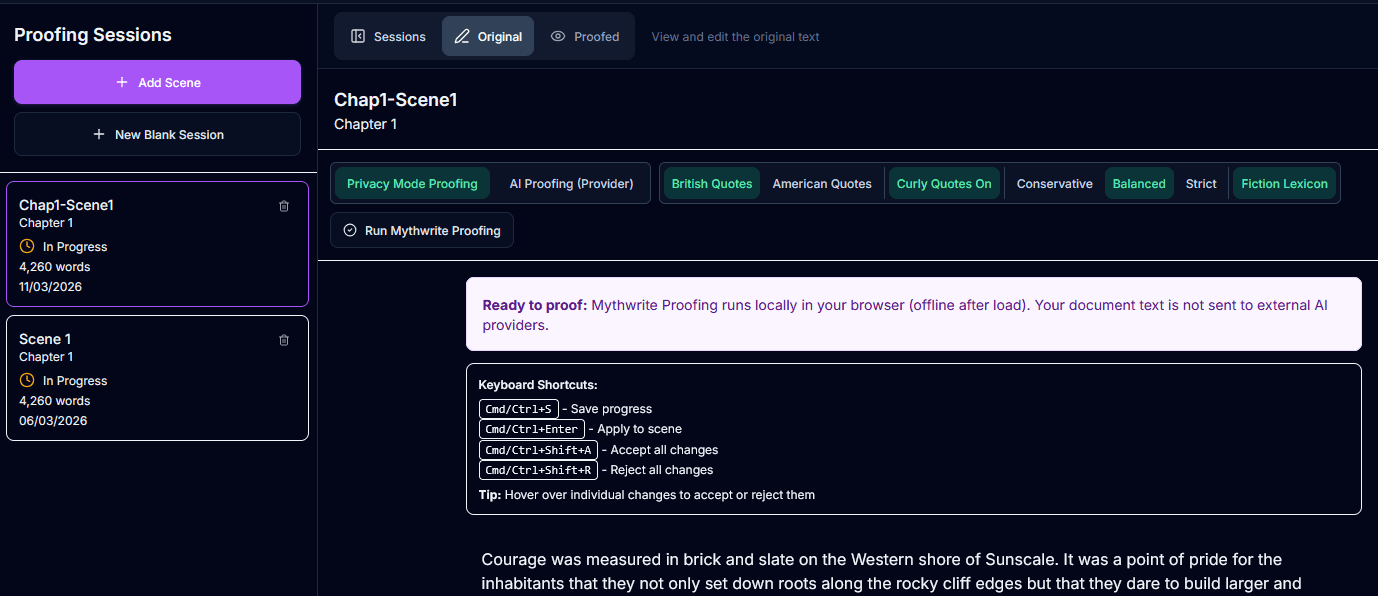
Run proofing passes, review changes clearly, and keep an editorial trail instead of scattering revisions across duplicate files.
Capability
Bring your own keys, choose your models, and keep AI optional. Mythwrite helps when invited and stays out of the manuscript when it is not.
Capability
Generate EPUB and print-ready PDF output from the same workspace, with book setup and formatting controls already built into the workflow.
Inside the workflow
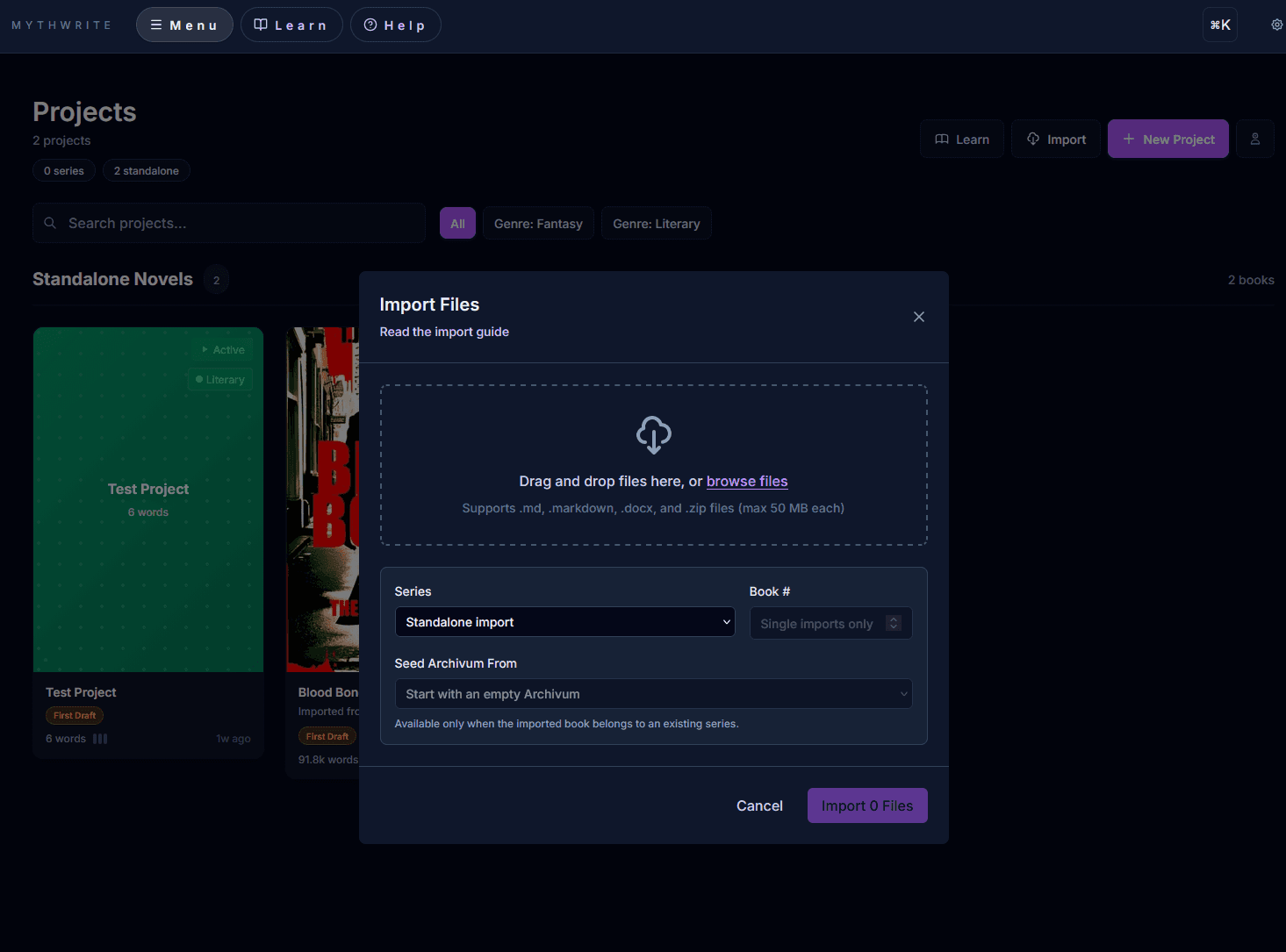
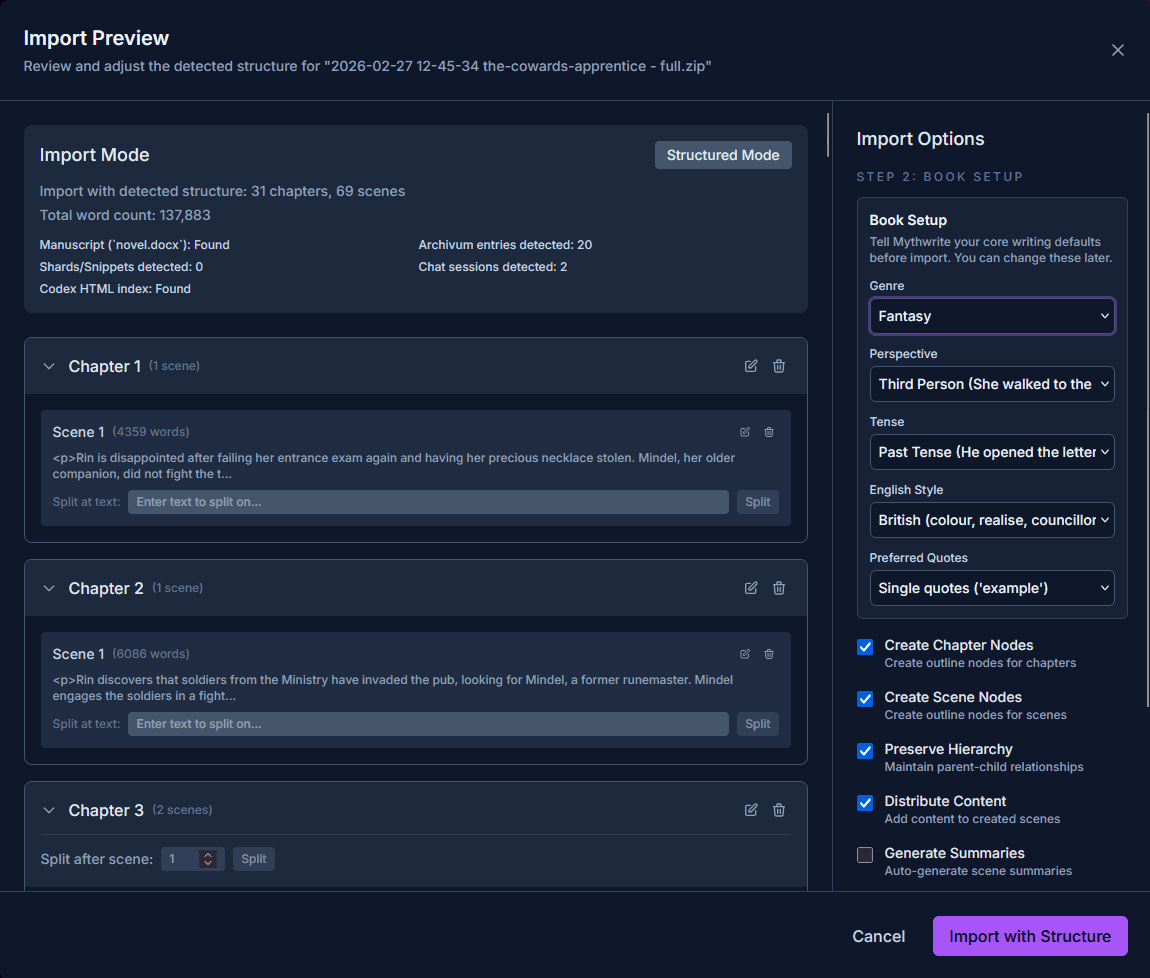
Open the key views below. The point is not visual novelty. It is seeing one coherent writing environment instead of a patchwork of tools.
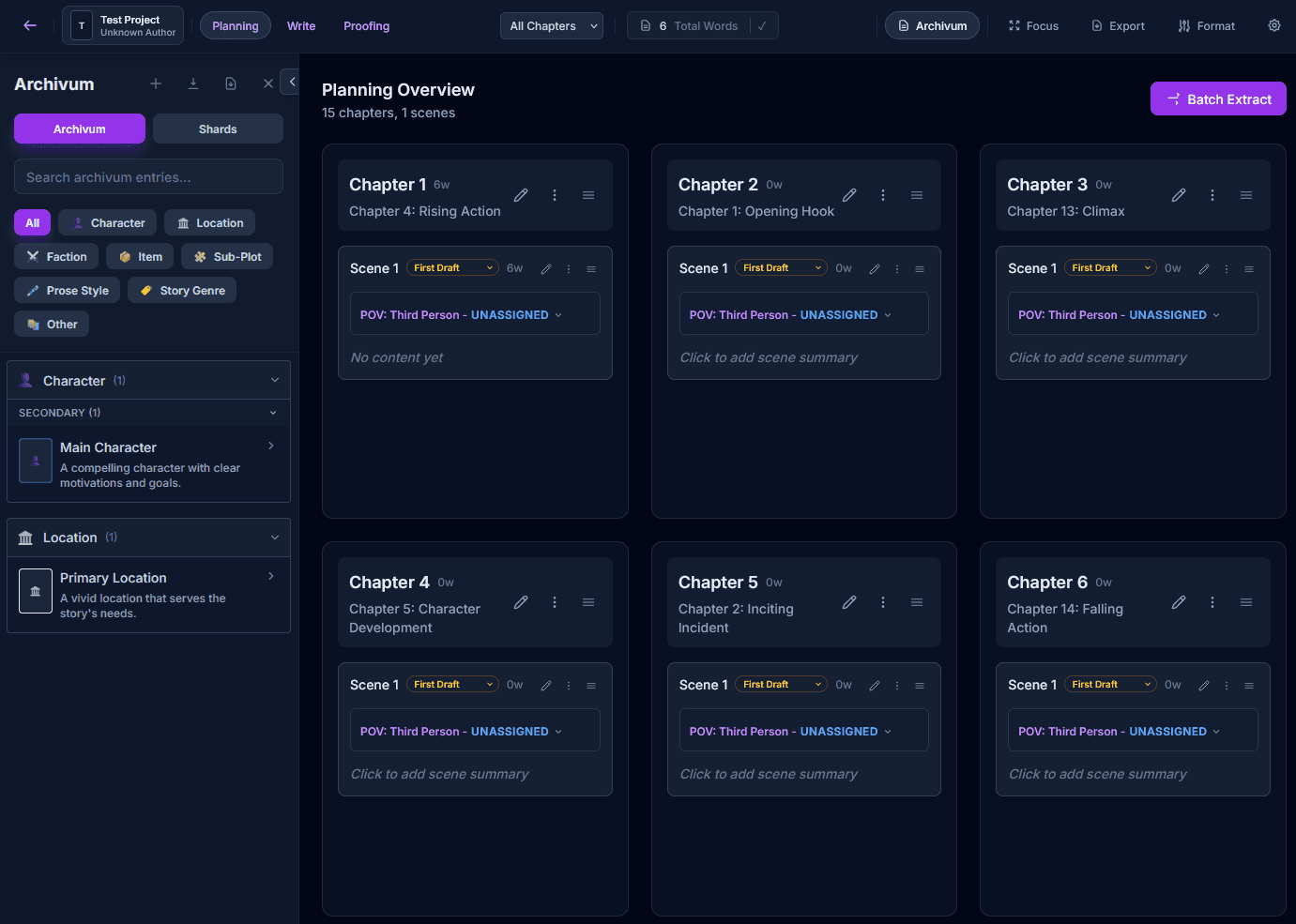
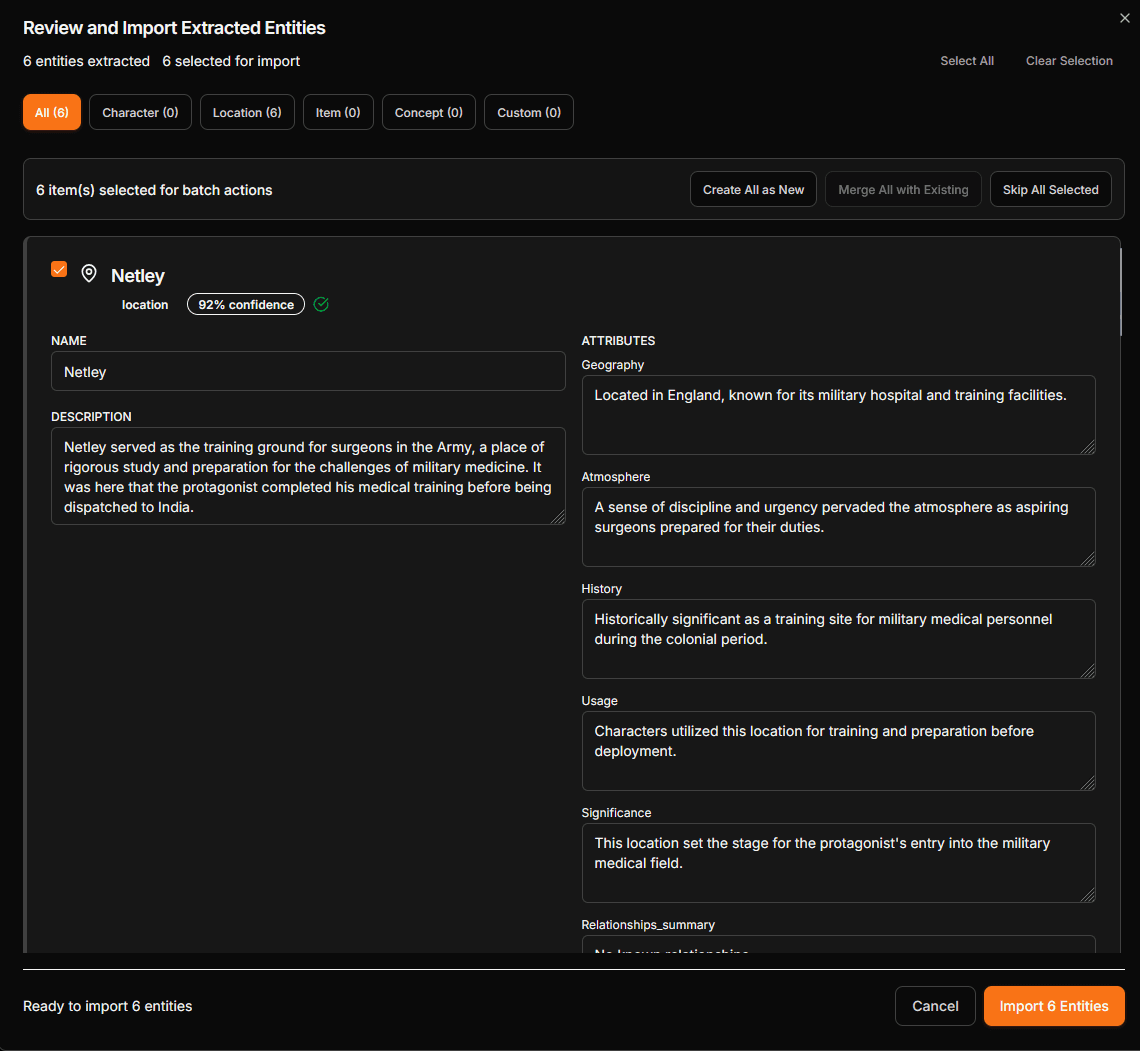
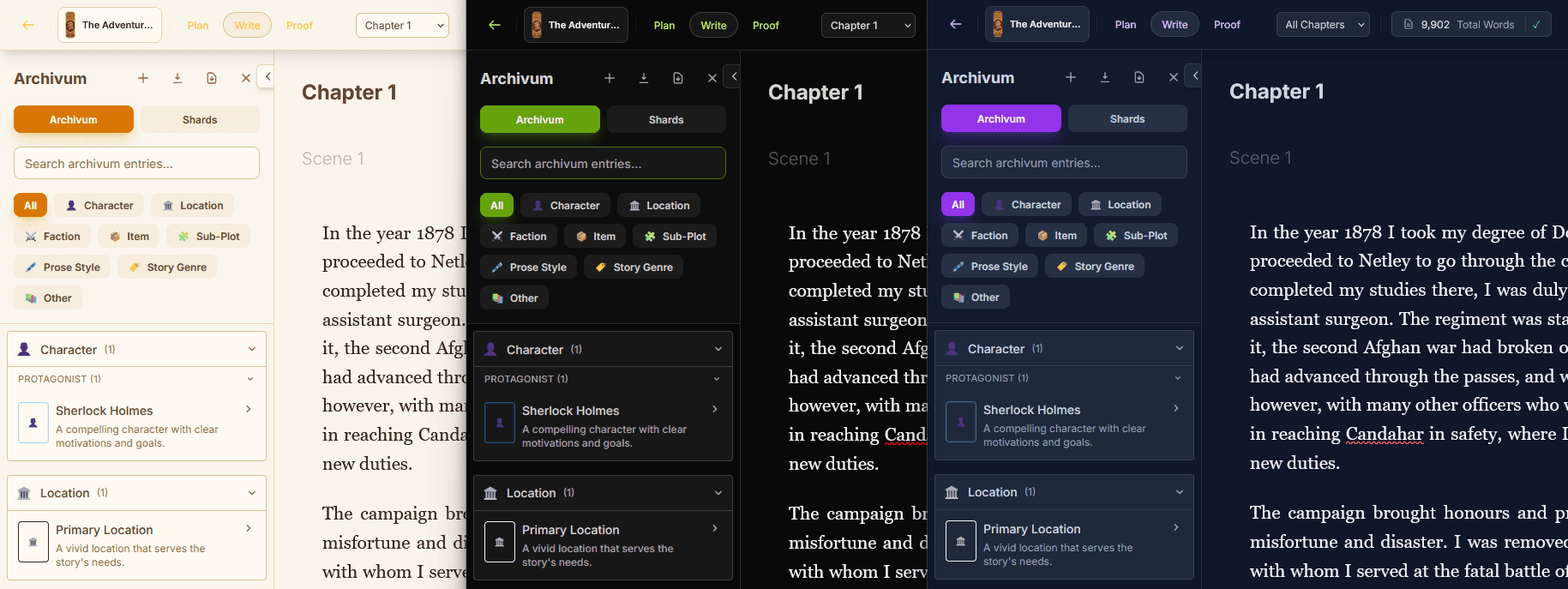
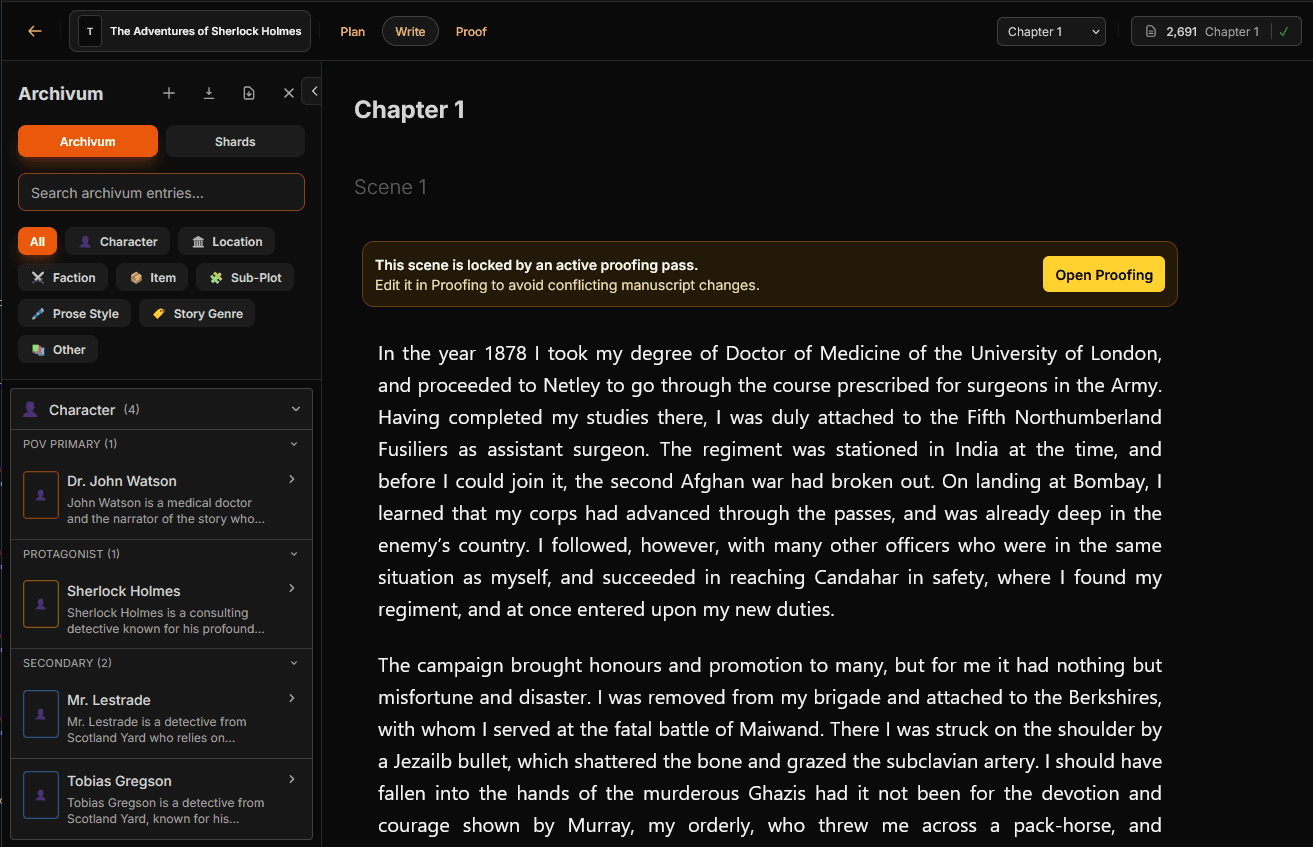
The editor
Scene navigation, chapter views, and inline tools — all in a focused writing surface built for long-form fiction.
Views worth opening
Pricing tiers
Every beta account gets full access during open beta. Reserve the annual package you expect to want after beta if you want to lock in the 50% first-year launch voucher.
Beta voucher
50% off your first 12 months on annual signups
Vouchers are emailed at the end of closed beta and apply to the annual package you reserve now.
Creator
£47.94
Year 1 total
Solo drafting, planning, and revision
Editor
£59.94
Year 1 total
Everything in Creator, plus AI proofing
Collaborator
£89.94
Year 1 total
Writing, publishing, and collaboration
Questions writers ask first
Most people only need a few answers before they decide whether to try the beta. Open the parts you care about and skip the rest.
Pricing, workflow, export, and AI
Product
Mythwrite brings planning, drafting, revision, proofing, and publish-ready export into one writing workspace. It is built for long-form fiction, with a story bible and optional AI tools that stay under your control.
Comparison
It keeps the structural depth writers want, but removes the usual tool-hopping. You get manuscript structure, revision workflows, a built-in story bible, export, and optional AI in one place instead of splitting that work across separate apps.
Pricing
Yes. Every feature is unlocked during open beta, with no credit card required. Beta signups can reserve an annual package to keep a 50% first-year voucher, and we email that voucher at the end of closed beta.
Audience
It is for fiction authors who want one serious tool from outline to final manuscript. Plotters, pantsers, and hybrid writers can all shape the workflow around how they already work.
AI
Both. You can bring your own keys and use AI selectively, or stay fully manual. The product is designed so AI remains optional rather than becoming the center of the workflow.
AI
It helps you see exactly where AI influenced the manuscript. Mythwrite can flag AI-written or heavily revised passages, track AI word totals, and make those sections easy to revisit before publication.
Archivum
Archivum is the built-in story bible. It keeps characters, places, factions, items, and lore organized in one searchable reference, and it can also feed that context back into AI tools when needed.
Access
Create an account during open beta and you can start immediately. Every feature is free while beta is active, and you can reserve the annual package you expect to want after launch.
Export
You can export print-ready PDF, reflowable EPUB, DOCX, and Markdown. Formatting controls are built into the workflow so the manuscript is already moving toward release instead of stopping at a draft.
Alternate path
Leave your details here and we will send launch timing, pricing news, and major beta updates without starting your beta access.
Best fit: writers who want to follow the launch before opening an account.